Philips Hue Play Light Bar, 2-Pack (Black)
Two small color light bars that stand beside a TV or monitor or mount behind it to light the wall. They need a Hue Bridge, and one power supply runs up to three bars.
Quick verdict
Yes, if you already use Philips Hue or plan to, and want color backlighting for a TV, monitor or shelf. The Hue Play 2-pack stands beside a screen or mounts behind it, and one power supply runs up to three bars. It needs a Hue Bridge, has no physical controls, and syncing with what's on screen takes extra apps or hardware.
- Best for:
- Backlighting a TV or monitor.
- Watch out:
- Needs a Hue Bridge.
Amazon US listing and availability checked October 27, 2026. Prices and stock can change.
Reviewed October 25, 2026 · How we review
Part of our buying guide: Smart Home Gifts: Pick One That Works With the System They Already Use
Our Take
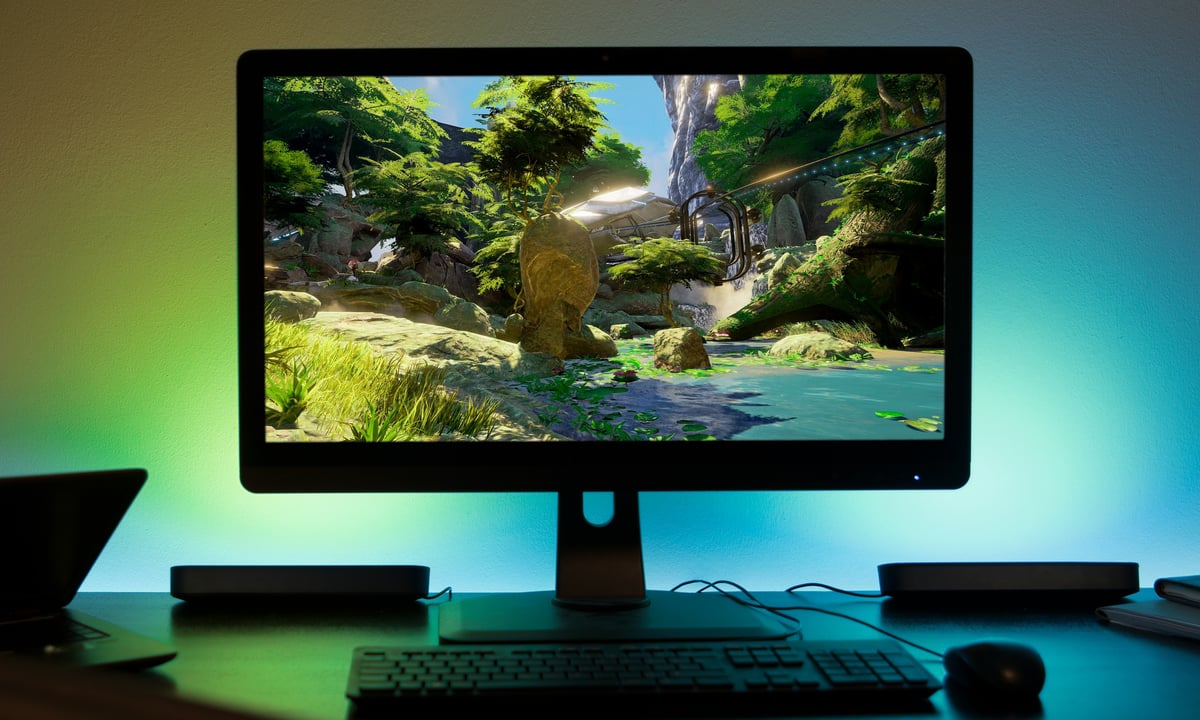
The Hue Play is Philips's light bar for behind and beside screens. Each bar is about 10 inches long and gives up to 500 lumens of white or colored light, from warm 2000K to cool 6500K. You can stand them up, lay them flat, or attach them to the back of a TV with the included mounts and adhesive, so the light washes over the wall. Philips says one power adapter runs up to three bars. They need a Hue Bridge, and to make them follow what's on screen you also need Hue's sync options, such as the Sync TV app or a Hue Sync Box, or Hue Sync on a computer. The bars have no buttons; you control them with the app, your voice or a Hue switch. Philips lists a 2-year warranty. We haven't tested them ourselves.
Specs (This Configuration)
- Light
- 500 lm per bar, white and color, 2000–6500K (Philips Hue)
- Size
- About 10 in long per bar (Philips Hue)
- Power
- One adapter runs up to 3 bars; 6.6 W per bar (Philips Hue)
- Requires
- Hue Bridge (Philips Hue)
- Works with
- Alexa, Google Home, Apple Home, Matter via the Bridge (Philips Hue)
- Warranty
- 2 years (Philips Hue)
Best For
- Backlighting a TV or monitor
- Gaming and movie setups with Hue Sync
- Adding color to a shelf or desk
Skip If
- You don't have or want a Hue Bridge
- You want a light with its own buttons
- You want screen sync without extra apps or hardware
What We Like
- Stands, lies flat or mounts behind a screen
- Up to three bars from one plug
- Works with the rest of a Hue setup
What To Know
- Hue Bridge required
- Screen sync needs a Sync app or Sync Box
- Sold by a third-party seller (Quiverr) on the listing we checked; Amazon shares ratings across colors
- Our photo is Philips's press image from the 2018 launch
Pros
- Two bars in the base kit
- Mounts included
- Wide color range
Cons
- Needs a bridge
- Sync costs extra
- No physical controls
Alternatives
The Play bars need a Hue Bridge; the white kit and a switch are the other options to consider.
- Philips Hue Bridge — Required for the Play bars, and lets you run them with the rest of your Hue lights.View on Amazon
- Philips Hue Play Light Bar, 2-Pack (White) — The same kit in white, for light-colored walls or furniture.View on Amazon
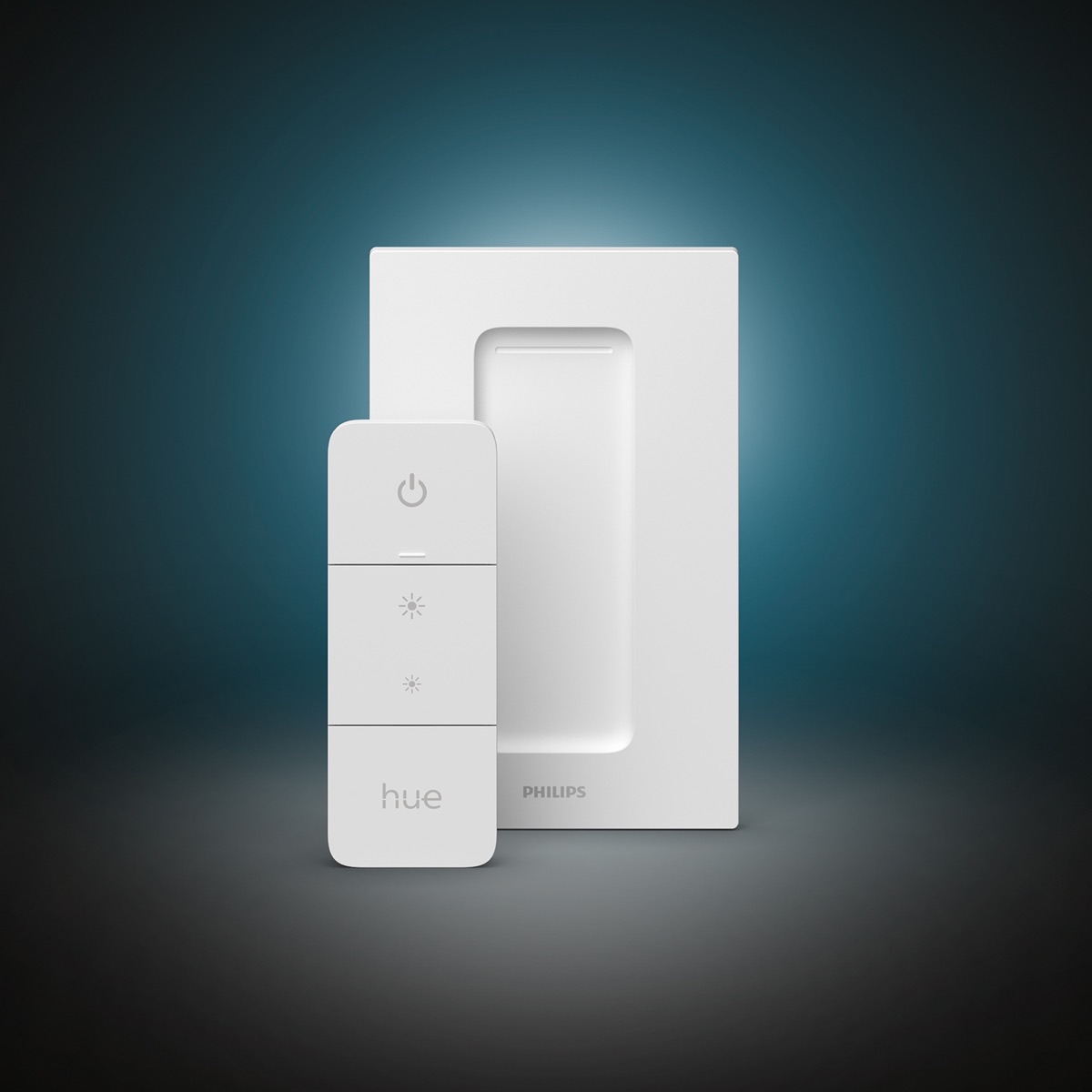
- Philips Hue Dimmer Switch — Gives the bars a physical on/off and dimming switch.
Why PriceDropIQ Selected It
Light behind a screen makes evening viewing easier on the eyes and adds color to a gaming or movie setup. The Play bars are small enough to hide beside or behind a TV, run from one plug, and fit into an existing Hue system. They suit people who already use Hue or plan to; without a Hue Bridge they won't work.
Before You Buy
- Check you have a Hue Bridge, or add one
- Check the listing is the 2-pack base kit (with power supply), not an extension
- For screen sync, check what your TV or computer needs
Frequently Asked Questions
Do Hue Play bars need a bridge?
Yes. Philips lists the Hue Bridge as required for the Play light bar.
How many bars can one power supply run?
Philips says one power adapter runs up to three Play bars.
Will they sync with my TV picture?
Only with Hue's sync options: Philips's FAQ says you need a Hue Sync Box or the Sync TV app. On a computer, Hue Sync does the same.
Related Buying Guide
More in Home
All Home reviews and guides
Interested in this product?
Reviewed October 25, 2026. Check the current offer, seller, availability, and shipping details on Amazon.
Independent buying advice, in your inbox.
New reviews and practical buying guides from PriceDropIQ.