Buying guide · Electronics
Wi-Fi 7 routers
Do You Need a Wi-Fi 7 Router? What to Check Before You Upgrade
What Wi-Fi 7 adds over Wi-Fi 6, which internet plans and devices actually benefit, and what to check on a router's spec sheet before buying.
Updated October 22, 2026
Short answer
Upgrade to a Wi-Fi 7 router if your internet plan is faster than about 1 Gbps, you're buying Wi-Fi 7 phones or laptops, or your current router has no multi-gig ports. If your plan is modest and your devices are Wi-Fi 6 or older, a Wi-Fi 7 router won't make the internet itself faster; the biggest gains come from its 6 GHz band and multi-gig wired ports, and only with devices that can use them.
At a glance
The products this guide covers, each with its own review.
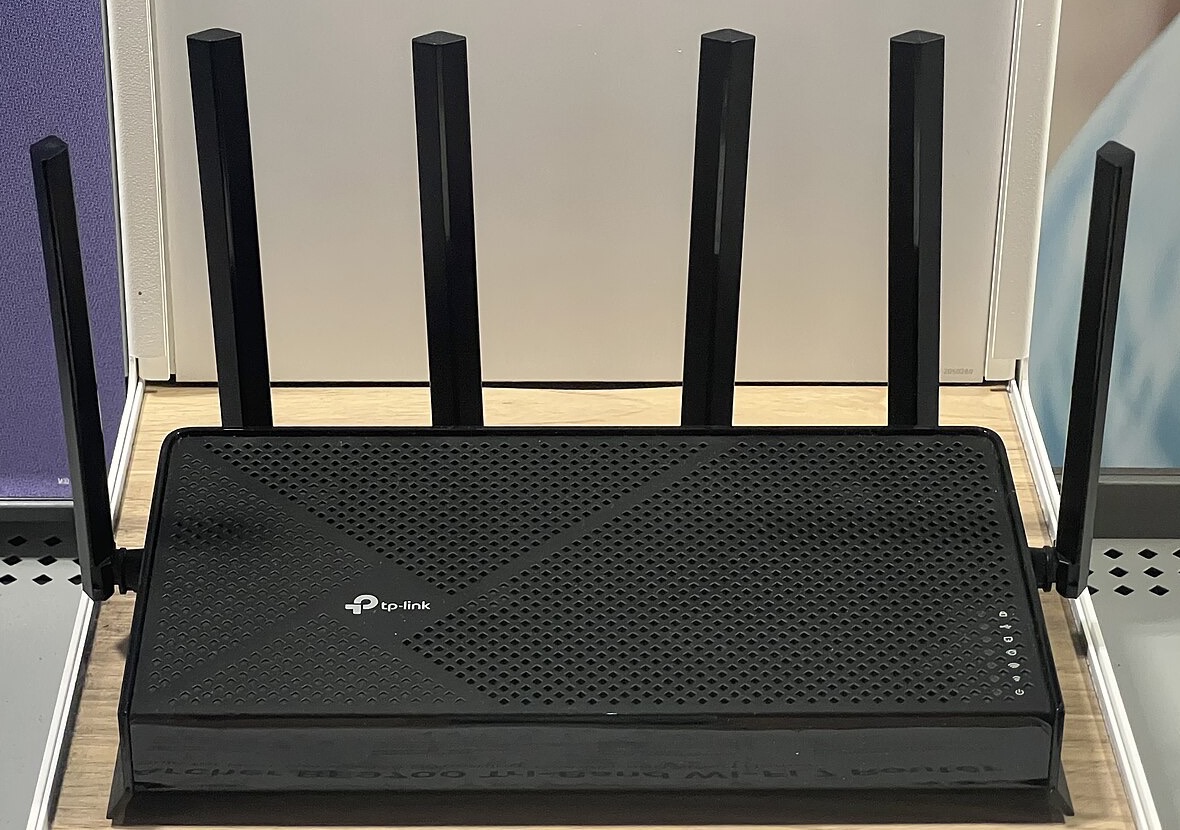
- TP-Link Archer BE600 (BE9700) Tri-Band Wi-Fi 7 Router
Best for: Multi-gig internet and Wi-Fi 7 devices.
Watch out: Advanced HomeShield features cost extra.
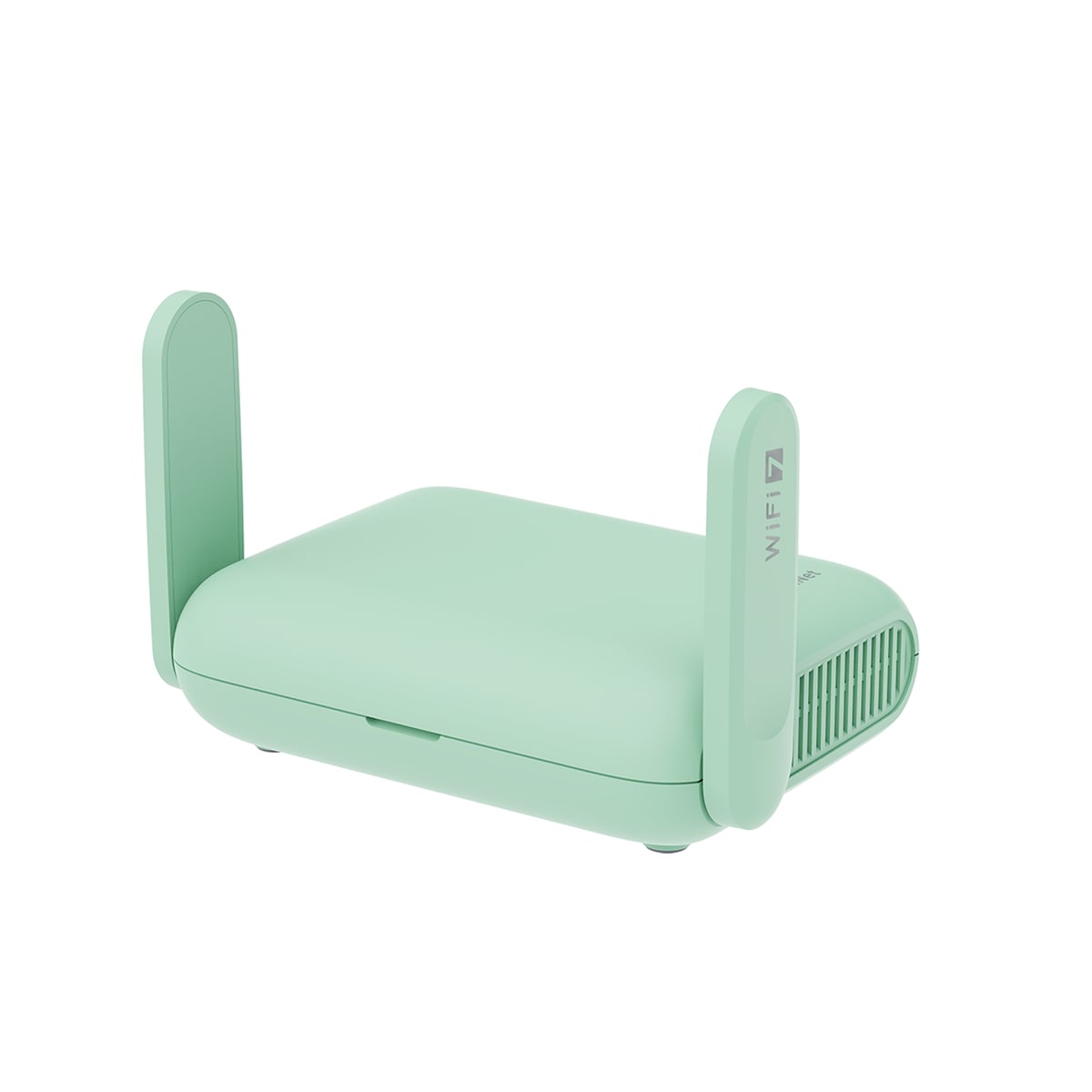
- GL.iNet Beryl 7 Travel Router
Best for: Travelers who want dual 2.5G ports and newer Wi-Fi hardware.
Watch out: Won't fix a slow hotel/venue uplink — only your local network.
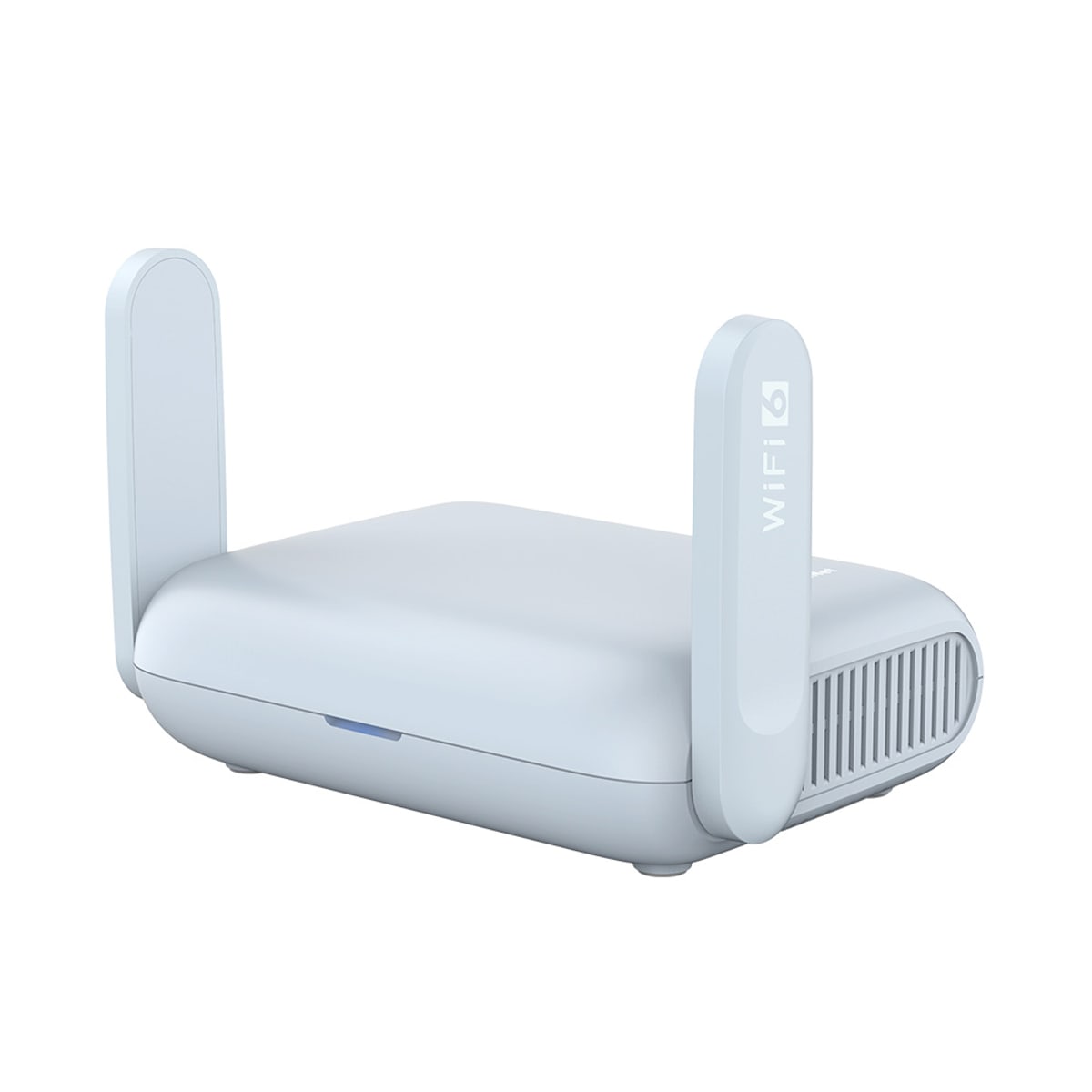
- GL.iNet Beryl AX Travel Router
Best for: Established, lower-cost travel router for typical hotel use.
Watch out: LAN port is gigabit, not 2.5G like the newer Beryl 7.
What does Wi-Fi 7 add?
The Wi-Fi Alliance lists four headline features. 320 MHz channels, available only in the 6 GHz band, double the channel width of Wi-Fi 6. 4K QAM packs more data into each transmission, which the Alliance puts at 20% higher rates than Wi-Fi 6. Multi-Link Operation (MLO) lets a device use more than one band at once for more throughput and reliability. Multiple resource units let the router schedule spectrum more efficiently.
Every one of these needs a Wi-Fi 7 device on the other end. Older phones and laptops still connect to a Wi-Fi 7 router, but at their own Wi-Fi generation's speeds.
Will a Wi-Fi 7 router make my internet faster?
Only up to the speed of your internet plan. Router speed figures like BE9700 add up the maximum link rates of every band; TP-Link's own page says those are physical-layer maximums, not real-world throughput. If your plan is 300 Mbps, a good Wi-Fi 6 router already delivers it to most rooms.
Where Wi-Fi 7 helps is inside your home: faster transfers between devices, more capacity when many devices are busy, and the less crowded 6 GHz band for Wi-Fi 7 phones and laptops close to the router.
What to check on the spec sheet
- Tri-band vs dual-band: tri-band models add the 6 GHz band, which is where 320 MHz channels live. Dual-band Wi-Fi 7 routers cost less but skip it.
- WAN port speed: for a plan above 1 Gbps you need a 2.5 Gbps or 10 Gbps internet port, and your modem or fiber box needs a matching port.
- LAN ports: 2.5 Gbps LAN ports matter if you wire a gaming PC, console or network storage.
- Coverage: one router suits a typical three-bedroom home; larger or multi-floor homes usually do better with mesh.
- Subscriptions: some security and parental-control features need a paid plan, so check what's free.
Router or mesh system?
A single router is simpler and gives you more wired ports in one place. A mesh system spreads several units around the home and is the better fit when one router can't reach distant rooms. If you already have a router you like, check whether it supports EasyMesh: TP-Link lists the Archer BE600 as EasyMesh-compatible, but warns that mixing brands can fail because of firmware differences.
Read our TP-Link Archer BE600 reviewWhat about Wi-Fi 7 when you travel?
A travel router creates your own private network from hotel or café Wi-Fi or a wired port. GL.iNet's Beryl 7 brings Wi-Fi 7 to a travel router, but it's dual-band, so it lacks the 6 GHz band of tri-band home routers. It's worth it mainly if its 2.5G ports or newer Wi-Fi solve a bottleneck you actually have.
Read our GL.iNet Beryl 7 reviewWho should upgrade
- Upgrade now: your plan is above 1 Gbps, or your router has no multi-gig ports and you wire fast devices.
- Upgrade when you replace devices: you're buying Wi-Fi 7 phones or laptops and your router is several years old.
- Wait: your plan is modest, your devices are Wi-Fi 6 or older and your current router covers the home well.
Related PriceDropIQ reviews
- TP-Link Archer BE600 (BE9700) Tri-Band Wi-Fi 7 Router
- GL.iNet Beryl 7 Travel Router
- GL.iNet Beryl AX Travel Router
Independent buying advice, in your inbox.
New reviews and practical buying guides from PriceDropIQ.
Sources and how we checked
Wi-Fi 7 feature descriptions come from the Wi-Fi Alliance's Wi-Fi technologies page (read October 22, 2026). Router specifications come from TP-Link's Archer BE600 product page (read October 22, 2026). Independent performance notes come from Tom's Guide's Archer BE9700 review. Advice on who should upgrade is PriceDropIQ's editorial judgment. We have not tested these routers.
- Third-party reference: Wi-Fi Alliance — Wi-Fi technologies (Wi-Fi 7)
- Manufacturer: TP-Link — Archer BE600 BE9700 Tri-Band Wi-Fi 7 Router
- Third-party reference: Tom's Guide — TP-Link Archer BE9700 review
- PriceDropIQ review: PriceDropIQ — TP-Link Archer BE600 review