Buying guide · Gaming
Nintendo Switch 2
Buying a Nintendo Switch 2: Console or Bundle, Upgrading From a Switch, and What Else You Need
What comes in the box, what carries over from an original Switch (and what doesn't), how much storage you'll need, and when your current console is still enough.
Updated October 16, 2026
Short answer
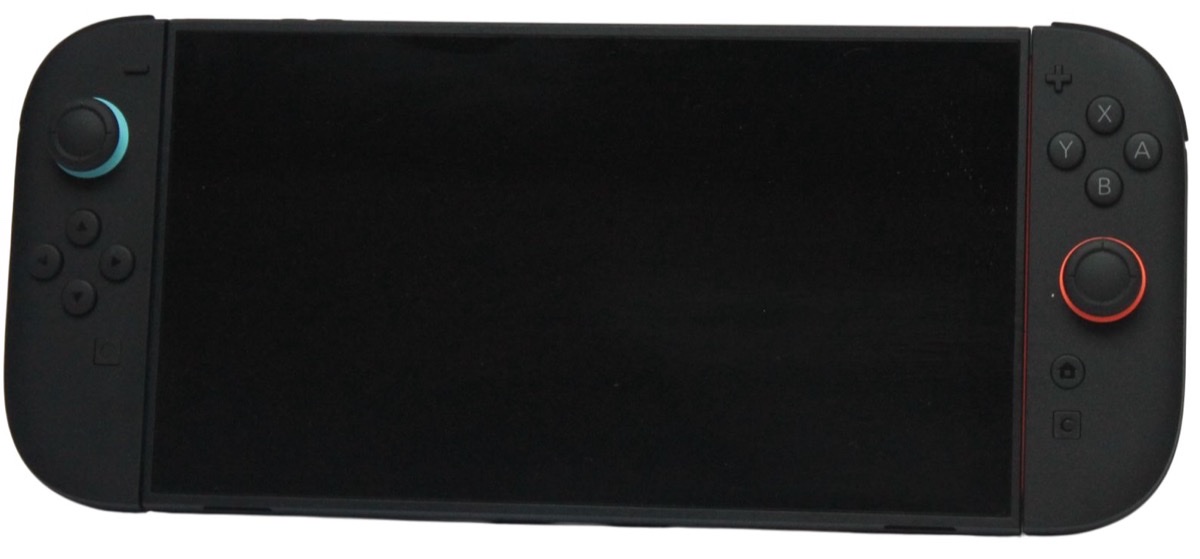
Buy the Switch 2 if you want Nintendo's new games or a sharper screen and faster performance. The console-only listing includes Joy-Con 2 controllers and the dock but no games, so compare it with a bundle if you want a specific game anyway. If you're upgrading, most original Switch games and your Nintendo Account carry over, but the old dock doesn't work and ordinary microSD cards can't store games. You'll need a microSD Express card if 256 GB isn't enough.
At a glance
The products this guide covers, each with its own review.
- Nintendo Switch 2 (Console Only)
Best for: Nintendo's new games, on the TV or on the go.
Watch out: Extra storage needs microSD Express.
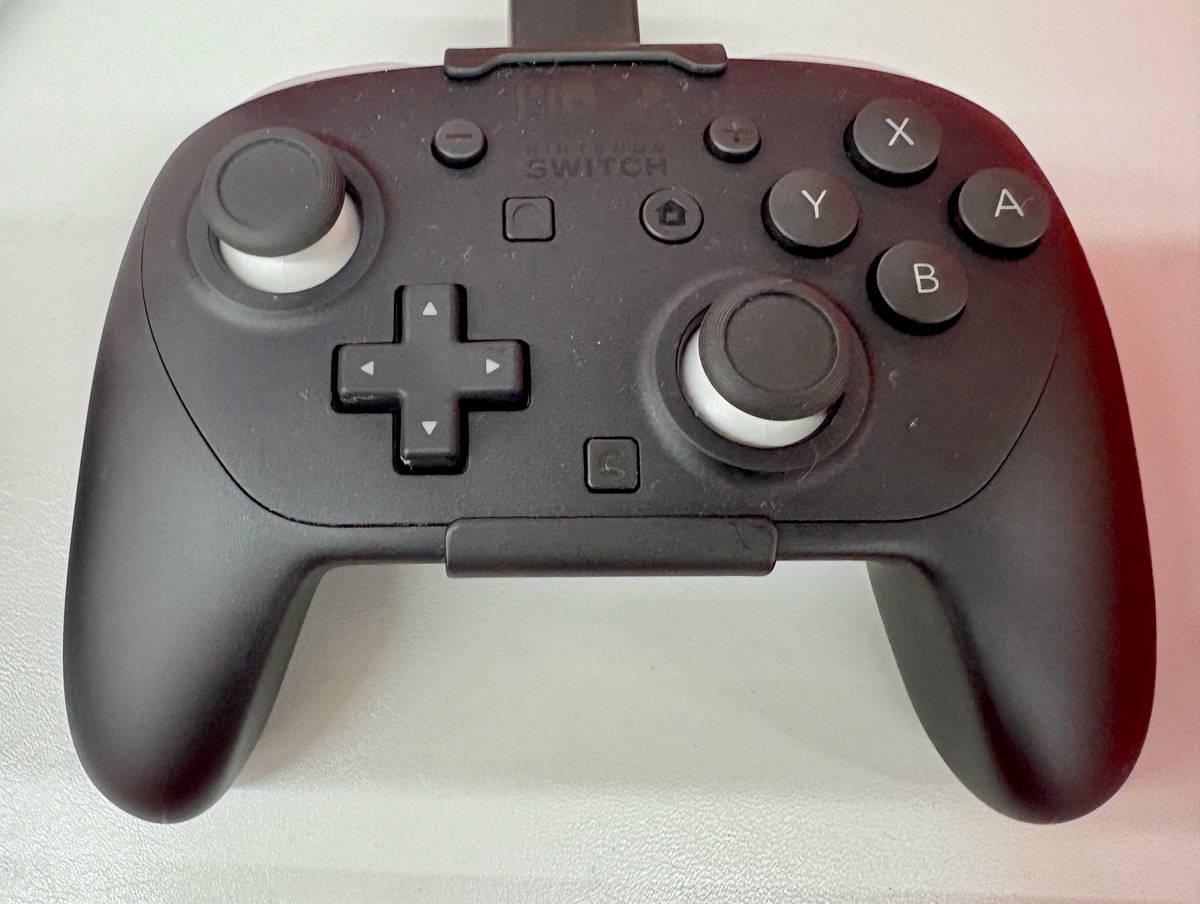
- Nintendo Switch 2 Pro Controller
Best for: Docked Switch 2 play with a full-size grip and rear buttons.
Skip if: Not needed for handheld play; licensed pads cost less.
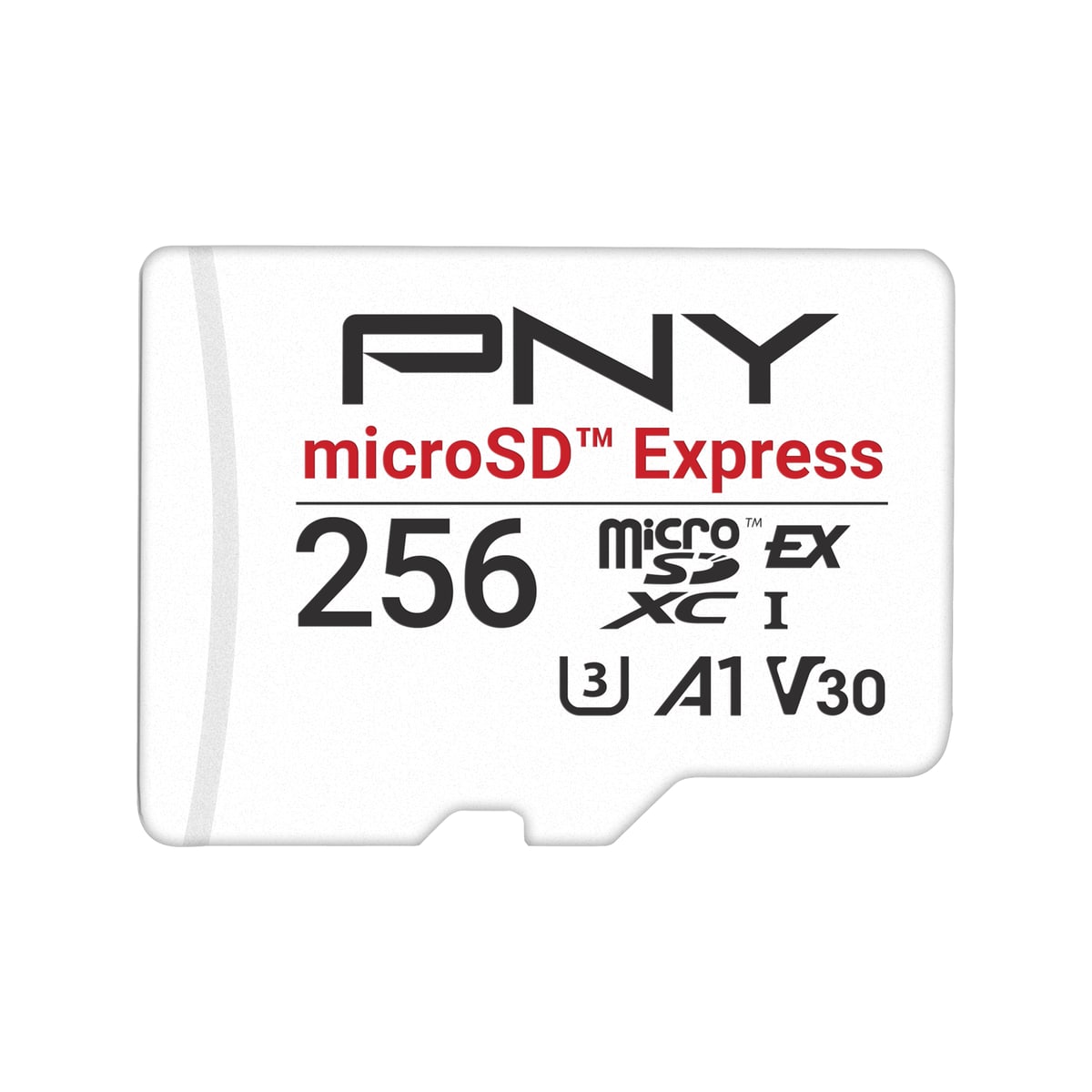
- PNY 256GB microSD Express Card
Best for: Switch 2 owners who need more installed-game storage.
Watch out: Compatible with Switch 2, but not Nintendo-licensed.
Console only or a bundle
The console-only Switch 2 listing on Amazon is just that: the console with Joy-Con 2 controllers and the dock, with games sold separately. Amazon also lists bundles that include a game. A bundle only makes sense if it includes a game you'd buy anyway, so check which game it is and whether it's a physical card or a download code before choosing it over the console alone.
Check the seller too. On the console-only listing we checked, Amazon.com was the seller.
Is the Zelda 40th Anniversary Edition different from the regular Switch 2?
Only in looks. Nintendo's store lists the Nintendo Switch 2 – The Legend of Zelda – 40th Anniversary Edition as the same Switch 2 system with Zelda-inspired designs on the back of the console and on the dock, a black and gold dock with the Triforce symbol, and green and gold Joy-Con 2 controllers. Nintendo lists its release date as October 29, 2026.
The box holds the same items as the standard console: the system, both Joy-Con 2, the dock, the Joy-Con 2 grip, two straps, the AC adapter, a USB-C charging cable and an Ultra High Speed HDMI cable. Nintendo notes that no game is included.
Choose it if the design matters to you, or as a gift for a Zelda fan. If you only care about the games, the standard Switch 2 plays exactly the same library.
Read our Nintendo Switch 2 reviewUpgrading from an original Switch: what carries over
Nintendo says the Switch 2 can play compatible physical and digital games released for the original Switch, but some may not be supported or fully compatible. If one particular game matters to you, check Nintendo's compatibility information for it before upgrading. User profiles and linked Nintendo Accounts can be transferred to the new console.
Not everything comes along. Nintendo says the original Switch dock is not compatible with Switch 2, and the original AC adapter can charge the new console but can't run TV mode.
| From your original Switch | Works with Switch 2? |
|---|---|
| Game cards and digital games | Compatible games, yes; some may not be supported |
| User profiles and Nintendo Account | Can be transferred |
| Joy-Con | Pair wirelessly; can't attach to the console |
| Pro Controller | Pairs wirelessly; charges via USB on the Switch 2 dock |
| Dock | Not compatible |
| AC adapter | Charges the console, but no TV mode |
| Regular microSD card | Only for copying screenshots and videos, not games |
Storage: 256 GB, then microSD Express
Nintendo lists 256 GB of internal storage, with part of it reserved for the system. To add more, the slot accepts microSD Express cards only, up to 2 TB. Ordinary microSD cards, even fast ones, can't be used to store games. Our Switch 2 storage guide explains how to tell the two apart and how to size a card for your library.
Read our PNY 256GB microSD Express reviewControllers and battery
Joy-Con 2 controllers come attached, so you can play straight away. A Pro Controller is worth considering if you play long sessions on a TV; Nintendo's own Switch 2 Pro Controller is reviewed on our site, and an original Pro Controller pairs wirelessly too.
In handheld mode, Nintendo estimates battery life at about 2 to 6.5 hours depending on the game, and about 3 hours to charge while the console is in sleep mode. If you travel with it, plan for a charger or a power bank that can supply enough power over USB-C.
Read our Switch 2 Pro Controller reviewWho benefits, who should skip, and when what you have is enough
- Worth buying: you want Nintendo's new Switch 2 games, a larger 1080p screen with HDR, or up to 4K output on a TV.
- Worth waiting: you mainly play original Switch games that already run well on your console, or a game you care about isn't listed as compatible yet.
- Budget for extras: a microSD Express card if you install many games, and a second controller if you play with someone else.
- What you have may be enough: if your original Switch still does what you want, your games and account will transfer whenever you decide to upgrade.
Related PriceDropIQ reviews
Affiliate link — we may earn a commission.Independent buying advice, in your inbox.
New reviews and practical buying guides from PriceDropIQ.
Sources and how we checked
Specs come from Nintendo's US Switch 2 tech specs page, and compatibility and transfer details from Nintendo's US support article on Switch and Switch 2 compatibility (both read October 10, 2026). Details of the Zelda 40th Anniversary Edition come from its Nintendo Store listing (read October 16, 2026). Listing details reflect the Amazon console-only listing we checked on October 10, 2026. Advice on whether to upgrade is PriceDropIQ's editorial judgment. We have not tested the console hands-on.
- Manufacturer: Nintendo — Nintendo Switch 2 Tech Specs
- Manufacturer: Nintendo Support — Compatibility of Nintendo Switch with Nintendo Switch 2
- Manufacturer: Nintendo Store — Nintendo Switch 2 – The Legend of Zelda – 40th Anniversary Edition
- PriceDropIQ review: PriceDropIQ — Nintendo Switch 2 review