Buying guide · Home
Smart-home sensors
Motion vs. Presence Sensors: Choosing a Smart-Home Sensor That Works With Your Hub
Motion sensors react to movement; presence sensors notice people sitting still. Which you need, and how Matter, Thread and your hub decide whether a sensor will connect at all.
Updated October 21, 2026
Short answer
If you want lights to come on when someone walks in, a battery-powered motion (PIR) sensor is usually enough. If lights must stay on while someone sits still, such as reading, working or watching TV, you need a presence sensor, typically mmWave radar, which generally needs constant power. Either way, check your hub first: a Matter-over-Thread sensor like Eve Motion won't connect without a Thread border router.
At a glance
The products this guide covers, each with its own review.
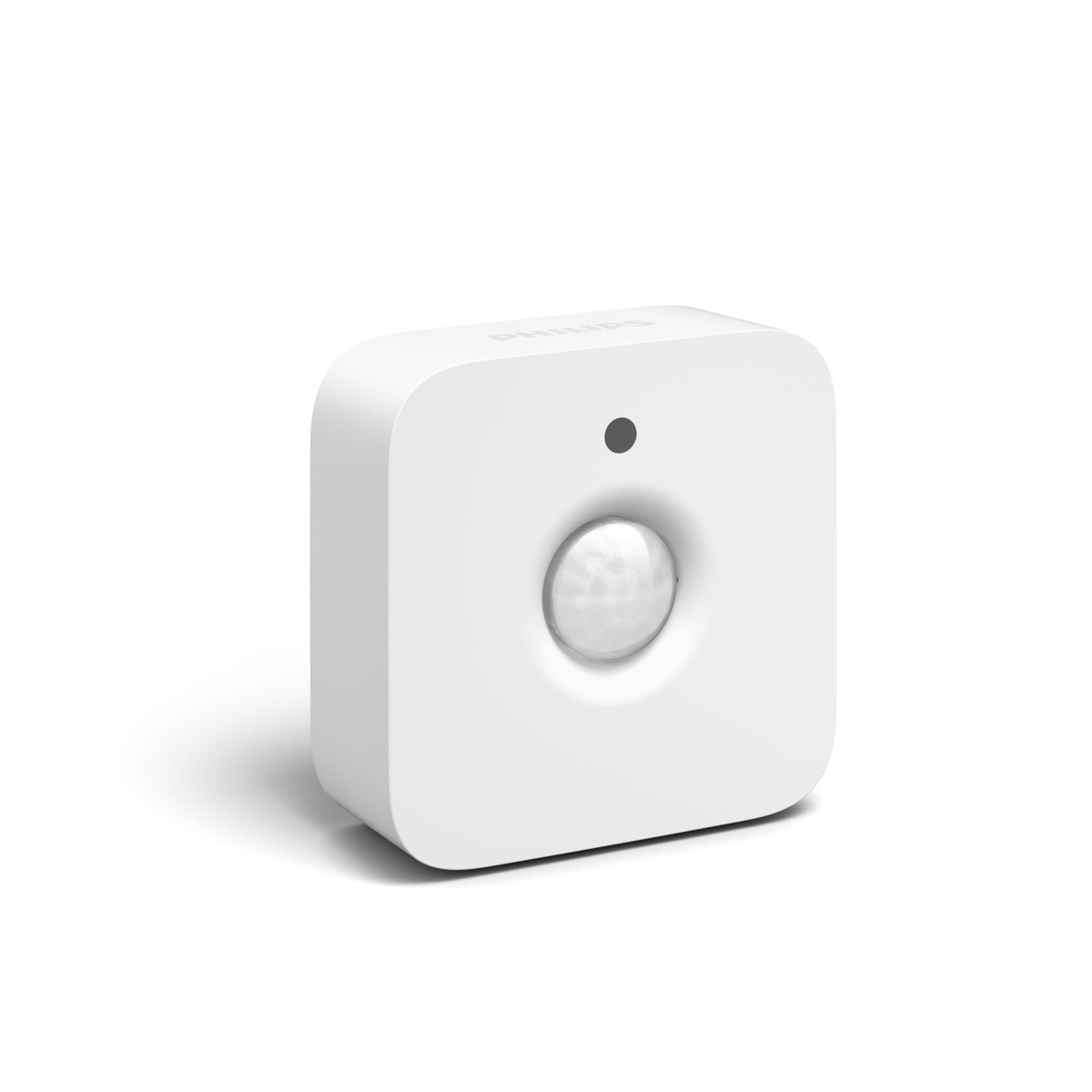
- Philips Hue Indoor Motion Sensor
Best for: Hue lights that switch on as you walk in.
Watch out: Needs a Hue Bridge and Hue lights.
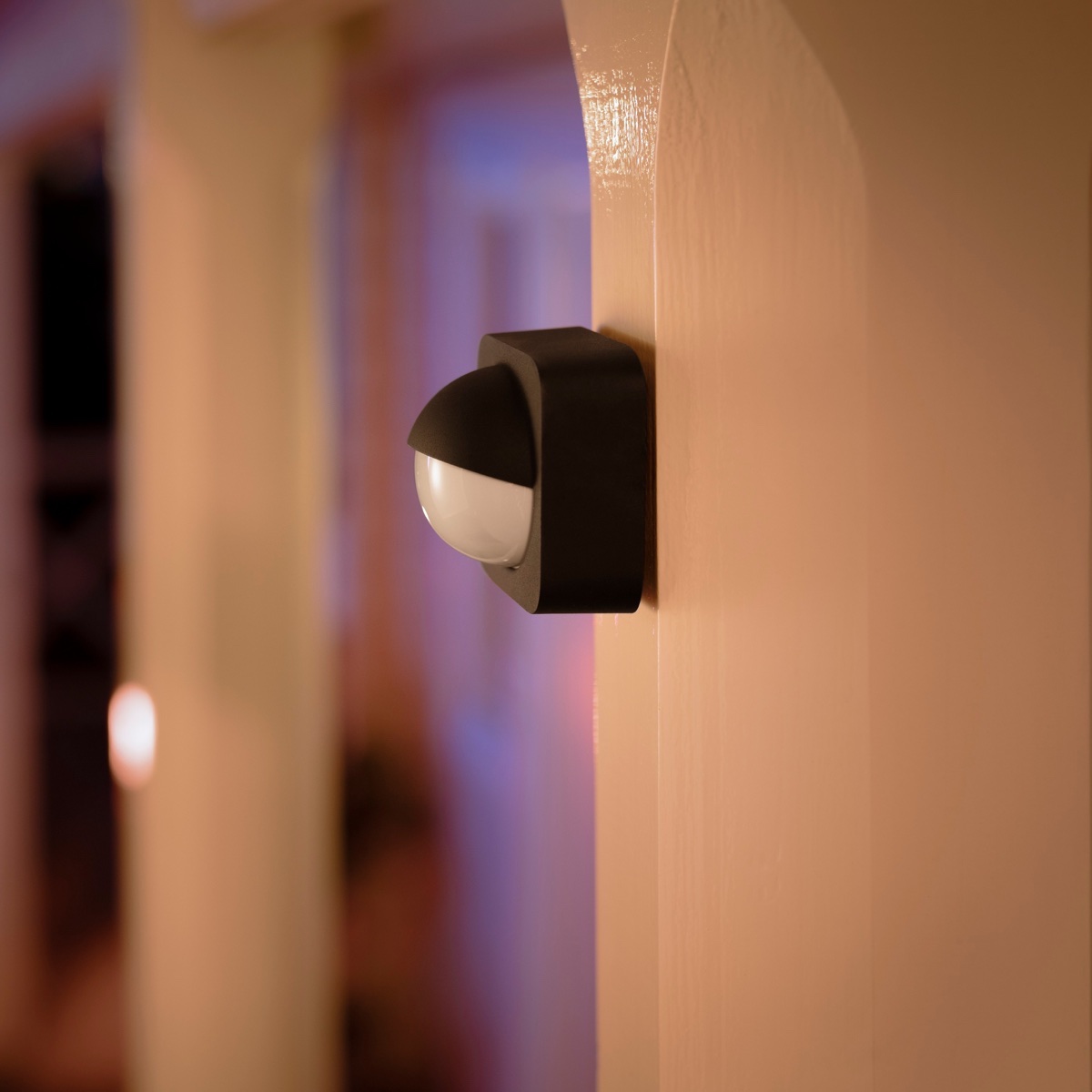
- Philips Hue Outdoor Motion Sensor
Best for: Porch and path lights that greet you after dark.
Watch out: Needs a Hue Bridge and Hue lights.
Motion and presence are different jobs
A passive-infrared (PIR) motion sensor reacts when something warm moves across its view. That makes it reliable for hallways, entrances, closets and porches, where people are passing through. Its weakness is people who stay still: someone reading on a sofa can stop triggering it, and lights on a timer may switch off.
A presence sensor is built for that case. Aqara's FP2, for example, uses millimeter-wave radar, which Aqara says picks up the slightest movements, and it can split a room into zones. The trade-off is power: Aqara says the FP2 is a wired sensor that must stay powered over USB-C, while Eve Motion runs on two AAA batteries.
| PIR motion (e.g. Eve Motion) | mmWave presence (e.g. Aqara FP2) | |
|---|---|---|
| Notices | Movement in its field of view | Presence, including slight movement; zones |
| Power | Batteries (Eve: 2 × AAA) | Constant USB-C power (Aqara) |
| Good for | Hallways, entrances, porches, closets | Living rooms, offices, desks |
| Watch out | May stop detecting people who sit still | Needs an outlet nearby; setup and placement take more care |
Matter, Thread and what your hub has to do
Matter is a shared smart-home standard, so one Matter sensor can work with Apple Home, Google Home, Amazon Alexa or SmartThings. Eve lists all four for Eve Motion.
Matter can run over different networks. Eve Motion uses Thread, a low-power network that needs a Thread border router in your home. Eve says you need a hub that is both a Matter controller and a Thread border router. Its compatibility list includes the HomePod mini, HomePod (2nd gen), Apple TV 4K (2nd gen and the 128 GB 3rd gen), Nest Hub (2nd gen), Nest Hub Max, Nest Wifi Pro, Google TV Streamer, Echo (4th gen), Echo Hub, several Echo Show models, and SmartThings Station and Hub v3, among others.
Model details matter. Eve lists the 64 GB Apple TV 4K (3rd gen) only as a Matter controller, not as a Thread border router. Once one Thread border router is in your home, Eve says an additional platform only needs its own Matter controller.
Aqara's FP2 connects over Wi-Fi rather than Thread, and Aqara lists Matter support. A Wi-Fi sensor doesn't need a Thread border router, but it does need a reachable outlet and your Wi-Fi.
If you're choosing a hub as well, Amazon lists its Echo Dot Max as a Zigbee hub, Matter controller and Thread border router in one speaker. Check Eve's compatibility list for the exact Echo model before relying on it for an Eve sensor.
Read our Echo Dot Max reviewLight sensing, range and placement
A built-in light sensor lets automations run only when a room is actually dark. Eve Motion includes one, with a twilight setting from 0 to 15,000 lux.
Eve lists a 120-degree field of view and a range of up to 9 m (30 ft) when mounted 2 m (6.5 ft) high, plus an IPX3 rating that covers spraying water. A covered spot such as a porch or carport is the safer outdoor placement. These are Eve's published figures; we haven't measured range ourselves.
Who benefits, who should skip, and when what you have is enough
- A battery motion sensor suits you if you want entry and hallway lighting automations and already own a Thread border router from Eve's list.
- Choose a presence sensor instead if the main problem is lights switching off while people are still in the room, and you can power it from an outlet.
- Skip a Thread sensor if you have no Thread border router and don't want to buy one. If you already run a Zigbee hub, a sensor for that hub may be simpler.
- What you have may be enough if your existing hub's own sensors already cover the room. Adding a second ecosystem just for one sensor adds setup without much benefit.
If you already use Philips Hue
Hue's own motion sensors skip the Thread question: they connect to the Hue Bridge, which Philips requires, and control Hue lights. Both are battery-powered PIR motion sensors with a daylight sensor. The indoor one is rated IP42 for indoor use, the outdoor one IP54 down to -20 °C. Like any motion sensor, they can miss someone sitting very still.
Read our Hue Motion Sensor reviewRead our Hue Outdoor Sensor reviewHow do you turn off a motion sensor light?
With a smart sensor you usually pause the sensor rather than the light. For Hue's indoor and outdoor motion sensors, Philips Hue's support pages say to open the Hue app's Settings tab, choose Accessories and switch the sensor's toggle off; switching it back on restores your settings. The lights then work normally from the app, a switch or voice control.
For other brands, look for the same kind of on/off toggle in the sensor's settings, or disable the automation that the sensor triggers.
Read our Hue Motion Sensor reviewRelated PriceDropIQ reviews
Affiliate link — we may earn a commission.Independent buying advice, in your inbox.
New reviews and practical buying guides from PriceDropIQ.
Sources and how we checked
Sensor specifications, hub requirements and the compatibility list come from Eve's, Aqara's and Philips Hue's own pages (manufacturer information); how to pause a Hue sensor comes from Philips Hue's support pages (read October 21, 2026), and the Echo Dot Max hub details from Amazon's listing. Which sensor type suits which room is PriceDropIQ's editorial judgment. We have not tested these sensors hands-on.
- Manufacturer: Eve — Eve Motion product page
- Manufacturer: Eve — Hub compatibility (Matter controllers and Thread border routers)
- Manufacturer: Aqara — Presence Sensor FP2
- Manufacturer: Philips Hue — Hue motion sensor
- Manufacturer: Philips Hue — Motion sensor (indoor) support
- Manufacturer: Philips Hue — Outdoor motion sensor support