Buying guide · Gaming
Game controllers
PC, Android or Switch? How to Check a Controller Will Work Before You Buy
Compatibility depends on the exact model and how it connects, not the brand. How to read a controller listing for platform, connection, layout and stick type.
Updated October 18, 2026
Short answer
Check your platform first and features second. Find your platform in the manufacturer's own compatibility list for the exact model name, because near-identical controllers are often sold as separate PC/Android and Switch versions. Then check how it connects on that platform (2.4G receiver, Bluetooth or cable). Only after that compare extras like Hall-effect sticks or back buttons.
At a glance
The products this guide covers, each with its own review.
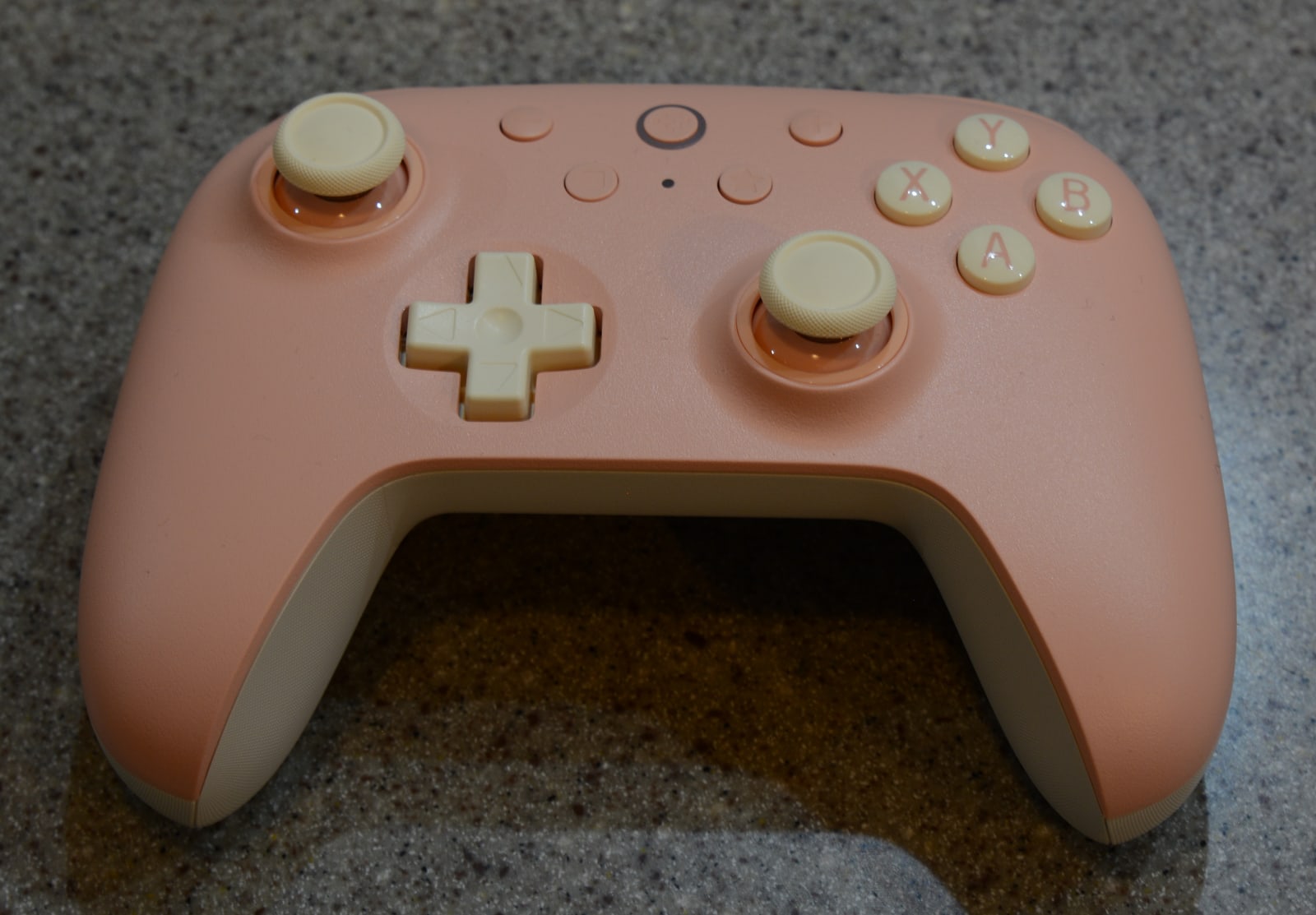
- 8BitDo Ultimate 2C Wireless Controller
Best for: Budget Windows PC and Android play with Hall-effect sticks.
Watch out: Not for Switch — that's the separate 2C Bluetooth model.
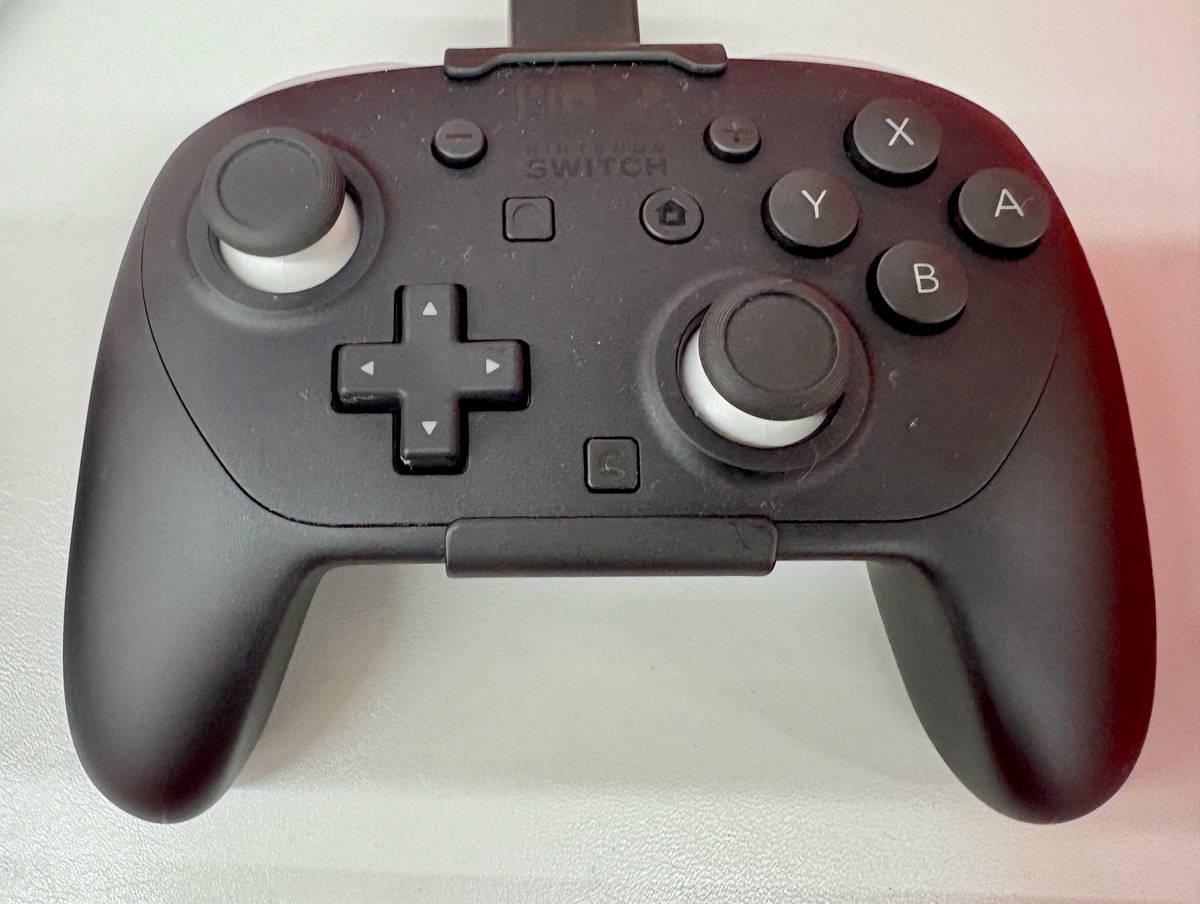
- Nintendo Switch 2 Pro Controller
Best for: Docked Switch 2 play with a full-size grip and rear buttons.
Skip if: Not needed for handheld play; licensed pads cost less.
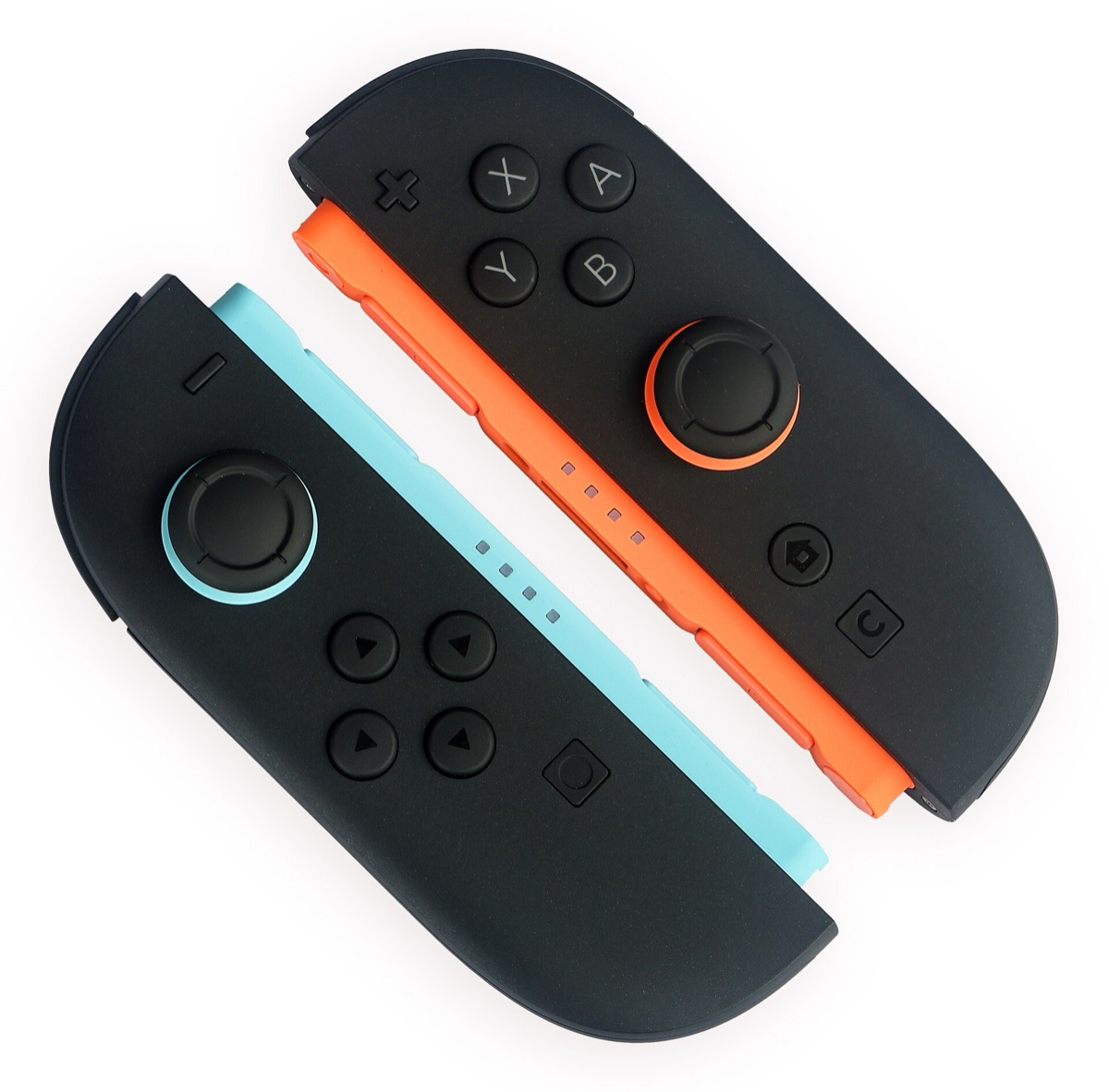
- Nintendo Joy-Con 2 Pair (Light Blue/Light Red)
Best for: Extra players on Switch 2.
Watch out: Switch 2 only.
Start with the exact model's platform list
Controller listings tend to pile compatibility keywords into the title, so the listing alone is a weak guide. The manufacturer's spec table for the exact model is the reliable check.
8BitDo's Ultimate 2C range shows why. The Ultimate 2C Wireless lists Windows and Android. The Ultimate 2C Bluetooth lists Switch, and 8BitDo says it works with Switch 2 after a firmware update. The two look almost the same and share the "2C" name, but they're different products for different platforms.
Neither 2C model lists Xbox or PlayStation consoles. If you play on those, look for a controller that names your console in its own compatibility list.
| Model | Platforms | Connections | Layout |
|---|---|---|---|
| Ultimate 2C Wireless | Windows, Android | 2.4G receiver or cable (Windows); Bluetooth (Android) | Xbox |
| Ultimate 2C Bluetooth | Switch; Switch 2 after a firmware update | Bluetooth or cable | Switch |
Check how it connects on your platform
The same controller can connect differently depending on what it's paired with. The Ultimate 2C Wireless uses its 2.4G receiver or a cable on Windows and Bluetooth on Android. 8BitDo quotes its 1000Hz polling rate only for the 2.4G and wired connections, so the Bluetooth connection isn't covered by that figure.
In practice, a 2.4G receiver needs a free USB port on your PC, and a phone or tablet needs Bluetooth. If you want to switch between a PC and a phone, check that the controller lists both and how it changes modes.
Button layout: Xbox or Nintendo labels
Xbox and Nintendo layouts put the A and B (and X and Y) buttons in swapped positions. Many PC games display Xbox-style button prompts, so an Xbox-layout controller avoids a mismatch between what the screen says and what's under your thumb. On Switch, a Switch-layout controller matches Nintendo's own prompts. This is a comfort choice rather than a compatibility one, but it's easy to overlook.
Hall-effect sticks: what they do and don't promise
Hall-effect sticks sense position with magnets instead of the sliding contacts in traditional potentiometer sticks, which wear over time and are a common cause of stick drift. 8BitDo lists Hall-effect joysticks on both 2C models.
That removes one common cause of drift, not every one. No controller is guaranteed drift-free, and we haven't tested long-term durability ourselves.
Motion controls and extra buttons
Some Switch games use motion controls. 8BitDo lists 6-axis motion control for the Ultimate 2C Bluetooth, so check for motion support if your Switch games need it. Both 2C models add two remappable bumpers (L4/R4) that 8BitDo says can be mapped without software.
Who should buy, and when your current controller is enough
- Worth buying: you play PC or Android games and don't own a controller, your current one has stick drift, or you need a second controller for local multiplayer.
- Skip it: you play only on Xbox or PlayStation, since neither 2C model lists those consoles.
- Your current controller is probably enough if your platform already supports it and it still works well. A budget controller mainly adds Hall-effect sticks and extra bumpers, which matter only if drift or those buttons are a real problem for you.
Is the Zelda 40th Anniversary Pro Controller different from the regular Switch 2 Pro Controller?
On Nintendo's own store pages, the difference is the design. Nintendo lists the Nintendo Switch 2 Pro Controller – The Legend of Zelda 40th Anniversary Edition as a special edition with decorative patterns and illustrations inspired by the Zelda series, releasing October 29, 2026. A second version comes with a display stand printed with a map of Hyrule, and Nintendo marks it as exclusive.
Neither page lists different buttons or features from the standard Pro Controller, so choose the Zelda edition for its looks or as a gift. If you only need a controller, the standard black Pro Controller is the same kind of controller and is easier to find.
Read our Switch 2 Pro Controller reviewPrefer Joy-Con? Read our Joy-Con 2 reviewRelated PriceDropIQ reviews
- 8BitDo Ultimate 2C Wireless Controller
- Nintendo Switch 2 Pro Controller
- Nintendo Joy-Con 2 Pair (Light Blue/Light Red)
Independent buying advice, in your inbox.
New reviews and practical buying guides from PriceDropIQ.
Sources and how we checked
Platform lists, connection types, polling rate, layout, motion control and Hall-effect claims come from 8BitDo's product pages (manufacturer specifications). Details of the Zelda 40th Anniversary Pro Controller come from its two Nintendo Store pages (read October 18, 2026). Advice on layout comfort and when to buy is PriceDropIQ's editorial judgment. We have not tested these controllers hands-on.
- Manufacturer: 8BitDo — Ultimate 2C Wireless Controller
- Manufacturer: 8BitDo — Ultimate 2C Bluetooth Controller
- Manufacturer: Nintendo Store — Switch 2 Pro Controller, The Legend of Zelda 40th Anniversary Edition
- Manufacturer: Nintendo Store — Switch 2 Pro Controller + display stand, Zelda 40th Anniversary Edition