Buying guide · Gaming
Switch 2 game formats
Physical vs. Digital Games on Nintendo Switch 2: What to Know Before You Buy
A Switch 2 game in a box isn't always on the card: game-key cards still need a download. Here's how physical cards, game-key cards and digital games differ for storage, offline play, resale and sharing.
Updated October 15, 2026
Short answer
Buy physical if you want to resell or lend games freely and play without downloading first; check the box, because a game-key card holds only a key and still needs a download and storage space. Buy digital if you want every game installed with no cards to swap: virtual game cards let you move a game between two linked consoles or lend it to a family-group member for 14 days.
At a glance
The products this guide covers, each with its own review.
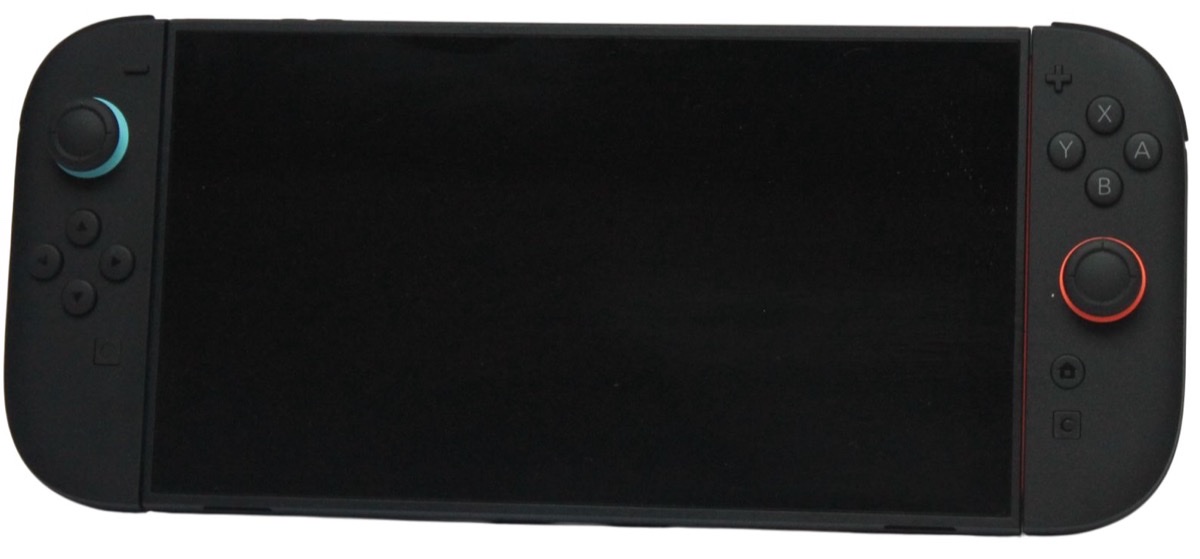
- Nintendo Switch 2 (Console Only)
Best for: Nintendo's new games, on the TV or on the go.
Watch out: Extra storage needs microSD Express.
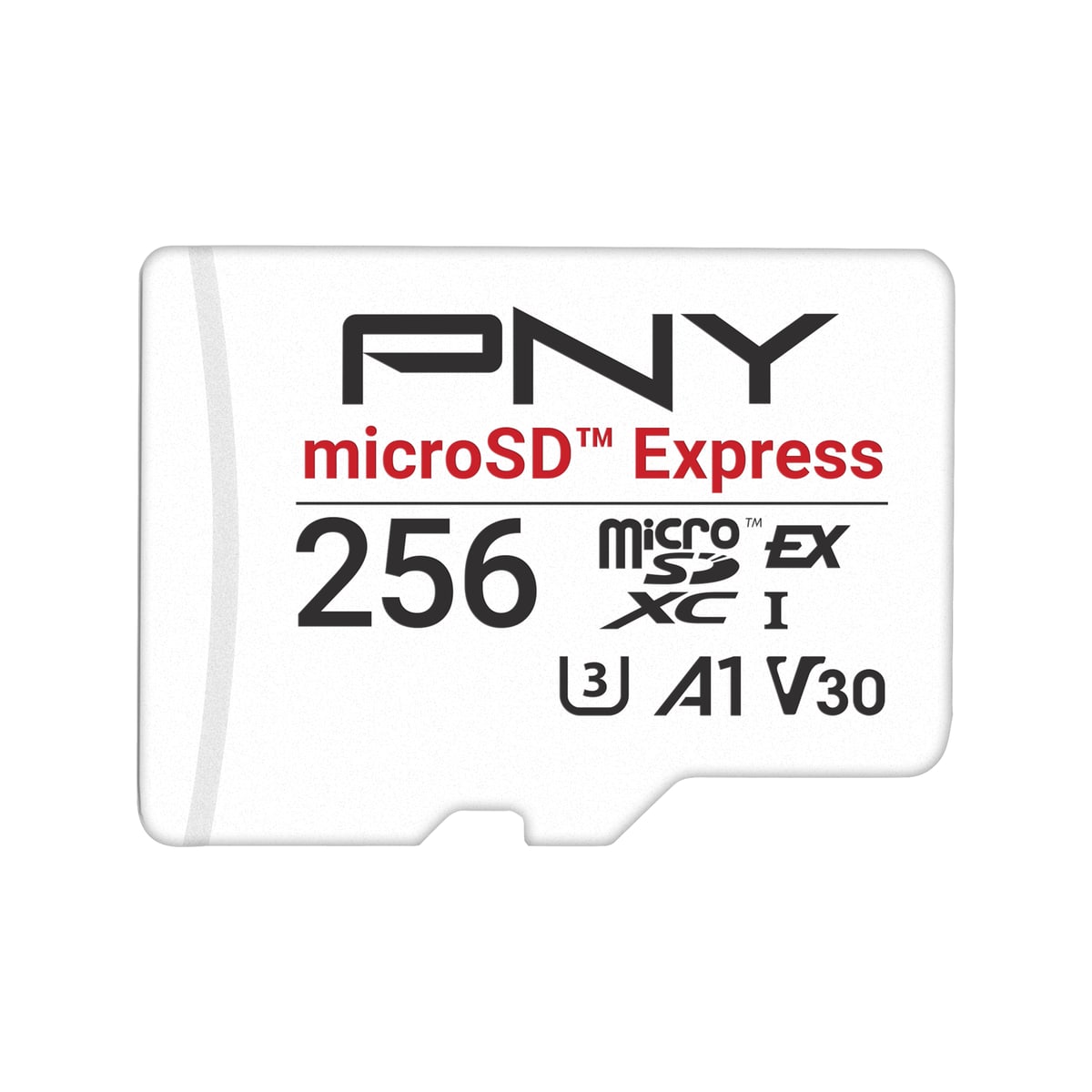
- PNY 256GB microSD Express Card
Best for: Switch 2 owners who need more installed-game storage.
Watch out: Compatible with Switch 2, but not Nintendo-licensed.
Are Switch 2 games physical or digital? Three formats, not two
On Switch 2 a game can come as a regular game card (the game data is on the card), a game-key card, or a digital purchase. Nintendo describes a game-key card as a card that "does not contain any game data, but only includes the 'key' required to start the game." It looks like a physical game in a box, but it works more like a download.
Some publishers also sell download codes in physical packaging with no card at all. Before buying a boxed game, check the packaging or listing for which of these you are getting.
| Regular game card | Game-key card | Digital (virtual game card) | |
|---|---|---|---|
| Game data | On the card | Downloaded on first launch | Downloaded |
| Internet needed | No | For the first launch | To download, and when moving between consoles |
| Uses internal or microSD Express storage | No (save data only) | Yes, size shown on the box | Yes |
| Card must be inserted to play | Yes | Yes | No |
| Resell or give away | Yes | Yes, the card works in another Switch 2 | No |
| Share in the household | Hand over the card | Hand over the card | Lend for 14 days to a family-group member |
Can you buy physical games on the Nintendo eShop?
No. The Nintendo eShop sells digital games only; a game you buy there is added to your Nintendo Account and downloads to the console. Boxed copies, whether regular game cards or game-key cards, come from retailers such as Amazon, or from Nintendo's own online store (My Nintendo Store), which Nintendo launched in the US and Canada to sell both physical and digital games.
If a physical copy matters to you for resale or offline play, check the listing says "game card" rather than "download code" or "game-key card".
Storage: digital and game-key cards fill it up
Regular game cards run from the card, so they barely use storage. Digital games and game-key cards both install the full game, so they compete for the console's 256 GB internal storage. Nintendo lists the space a game-key card needs on its packaging.
If most of your library will be digital or game-key cards, plan for a microSD Express card. Ordinary microSD cards can't store Switch 2 games; our storage guide explains the difference.
Read our PNY 256GB microSD Express reviewOffline play and long-term access
A regular game card plays without any download or connection. A game-key card needs an internet connection the first time you launch the game; after that, Nintendo says it can start offline, as long as the card is inserted.
Digital games can be played offline once loaded, but they depend on your Nintendo Account, and moving a virtual game card to another console needs an internet connection. If you want a game you can still install years from now without the online store, only a regular game card guarantees the data is on the card.
Resale, lending and two consoles
Physical games, including game-key cards, can be sold, traded or lent like any cartridge: Nintendo says a game-key card works in another Switch 2 after the same download step. Digital games can't be resold.
Digital games gained some flexibility with virtual game cards. Up to two consoles can be linked per Nintendo Account, with a game playable on one linked console at a time. You can also lend a digital game to a member of your family group for 14 days; you can't play it while it's lent, and games available only through Nintendo Switch Online can't be lent. Switch 2 exclusives and Switch 2 Edition games load only on a Switch 2.
Which should you buy?
Choose regular game cards if you resell games when you finish them, share with friends outside your family group, or want to play without downloads. Choose digital if you want your whole library installed and switch games often, and budget for a microSD Express card. Treat game-key cards as digital games that come with a resellable key, and check the download size on the box.
Read our Nintendo Switch 2 reviewRelated PriceDropIQ reviews
Affiliate link — we may earn a commission.Independent buying advice, in your inbox.
New reviews and practical buying guides from PriceDropIQ.
Sources and how we checked
Game-key card behaviour, virtual game card rules (two linked consoles, 14-day family lending, Switch 2-only titles) and storage requirements come from Nintendo's own Switch 2 FAQ and virtual game card page, read October 12, 2026; where physical games are sold is from Nintendo's My Nintendo Store launch announcement (read October 15, 2026). Advice on which format to choose is PriceDropIQ's editorial judgment.
- Manufacturer: Nintendo — Nintendo Switch 2 FAQ (game-key cards)
- Manufacturer: Nintendo — Virtual Game Cards
- Manufacturer: Nintendo — Nintendo Switch 2 Tech Specs
- Manufacturer: Nintendo (Business Wire) — Nintendo launches the My Nintendo Store
- PriceDropIQ review: PriceDropIQ — Nintendo Switch 2 review